Lead a song.
Everyone follows.
MySingCircle is a circle in software: one musician brings the chords, everyone else follows the lyrics, and the page scrolls itself so no one loses the thread.
Bring the chords. Lead the room.
- 01
Open a room
Tap Start a session and you land in your circle: a six-letter code, a QR, an empty playlist waiting for the first song. No account, no setup — the room is already yours.

- 02
Share the circle
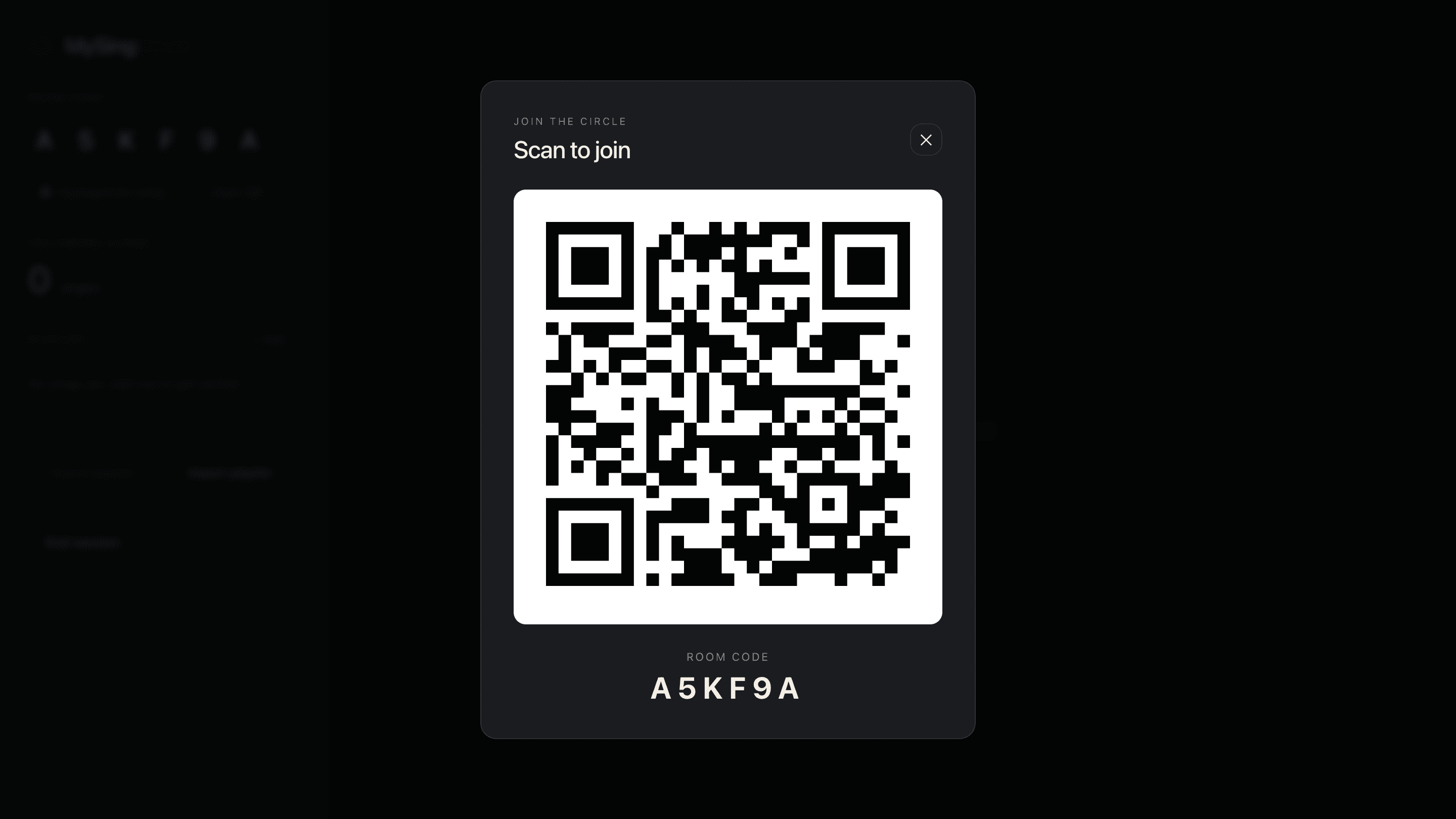
Open the QR for the room across the table or hand the singers the join link. Six letters, no app, no install — they tap once and they are in.
- 03
Find a song
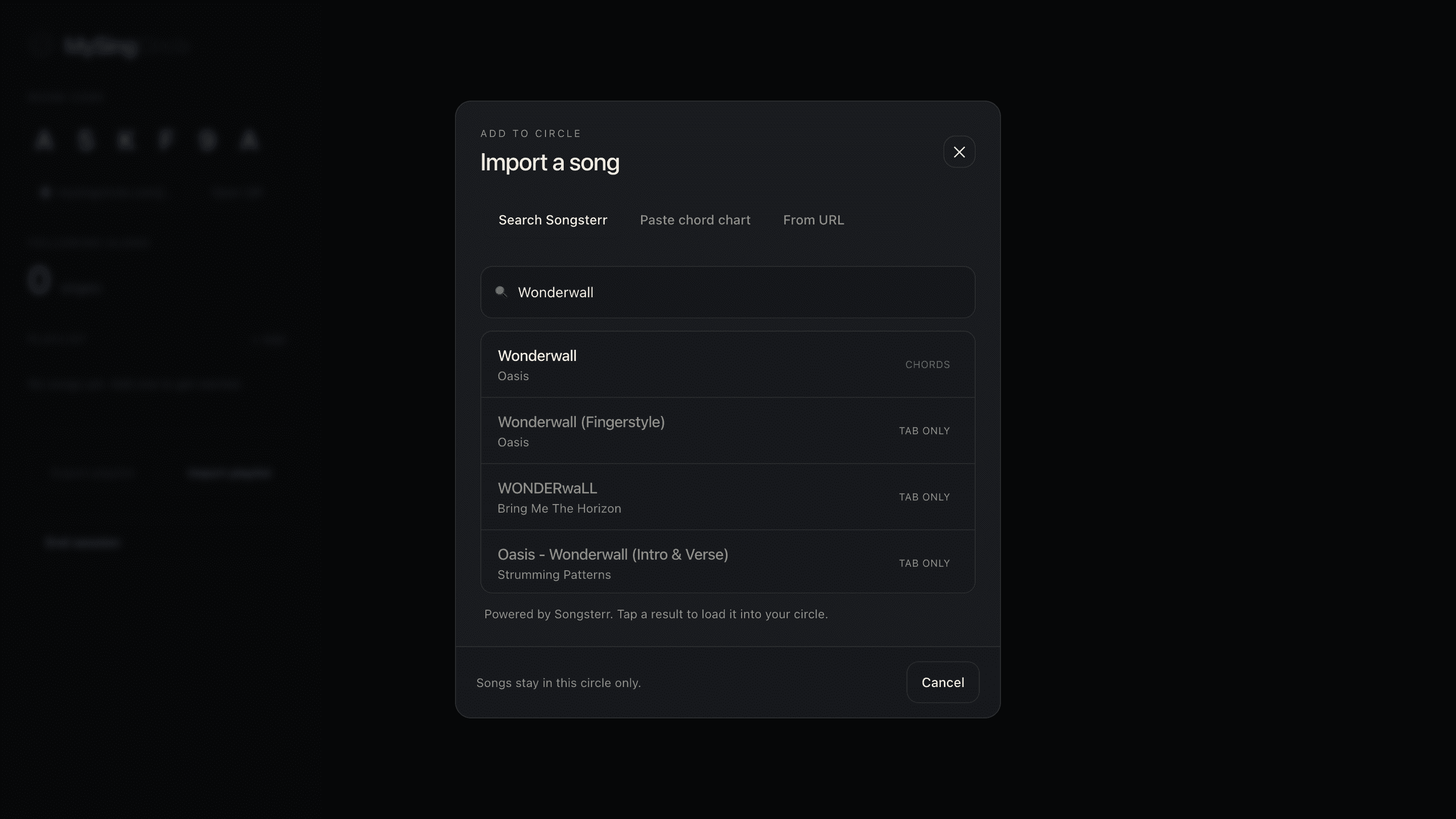
Search Songsterr by title or artist and the chord chart loads in a tap. Or paste a Worship Together URL, or drop a ChordPro chart in by hand. The catalog is whoever you bring with you.
- 04
Lead the moment
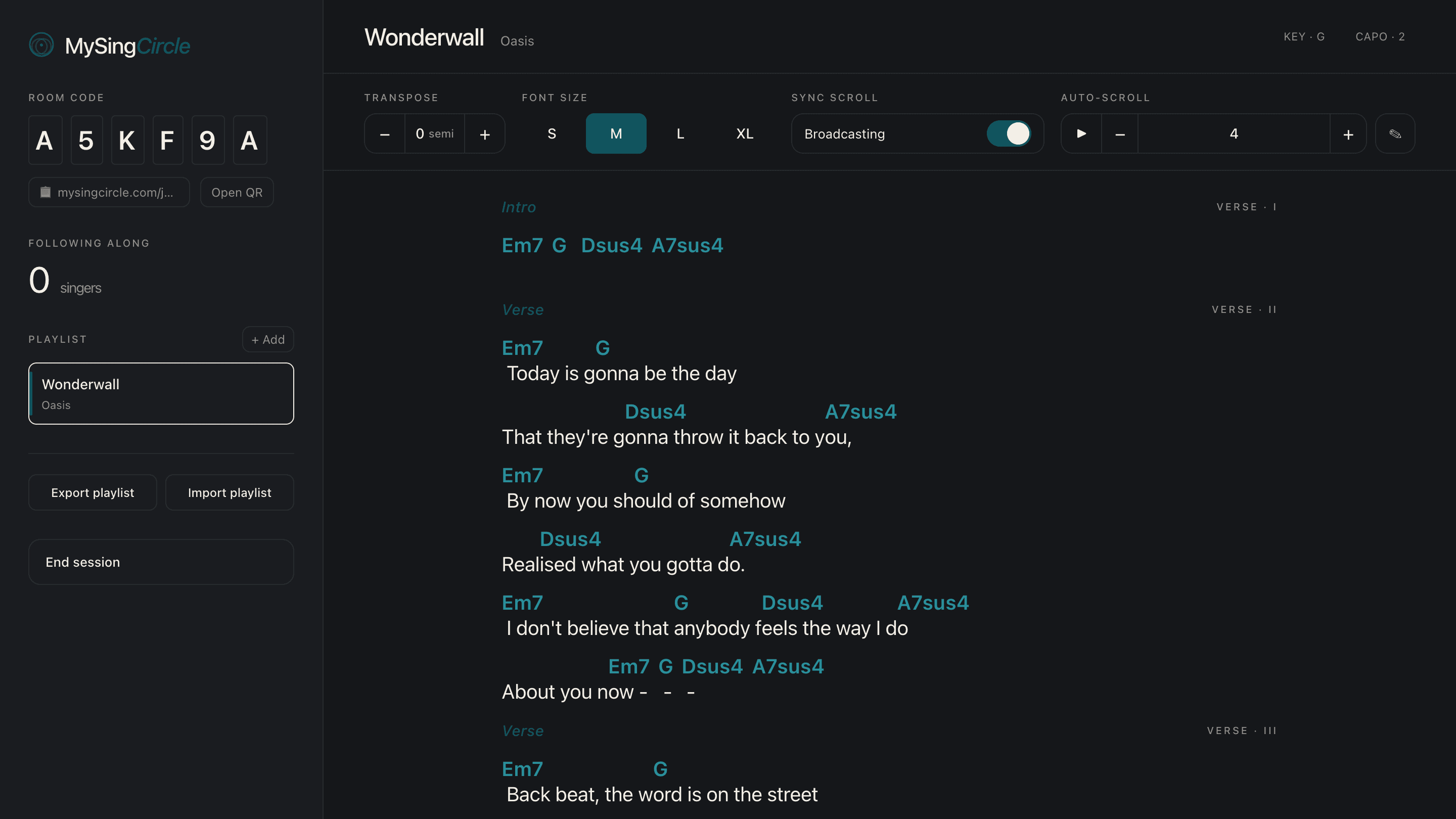
Transpose without retyping. Pick a font size that suits the room. Scroll on your side and the singers follow. Auto-scroll if your hands are busy. Switch songs whenever the room is ready.
Pull out your phone. Open your voice.
- 01
Join the circle
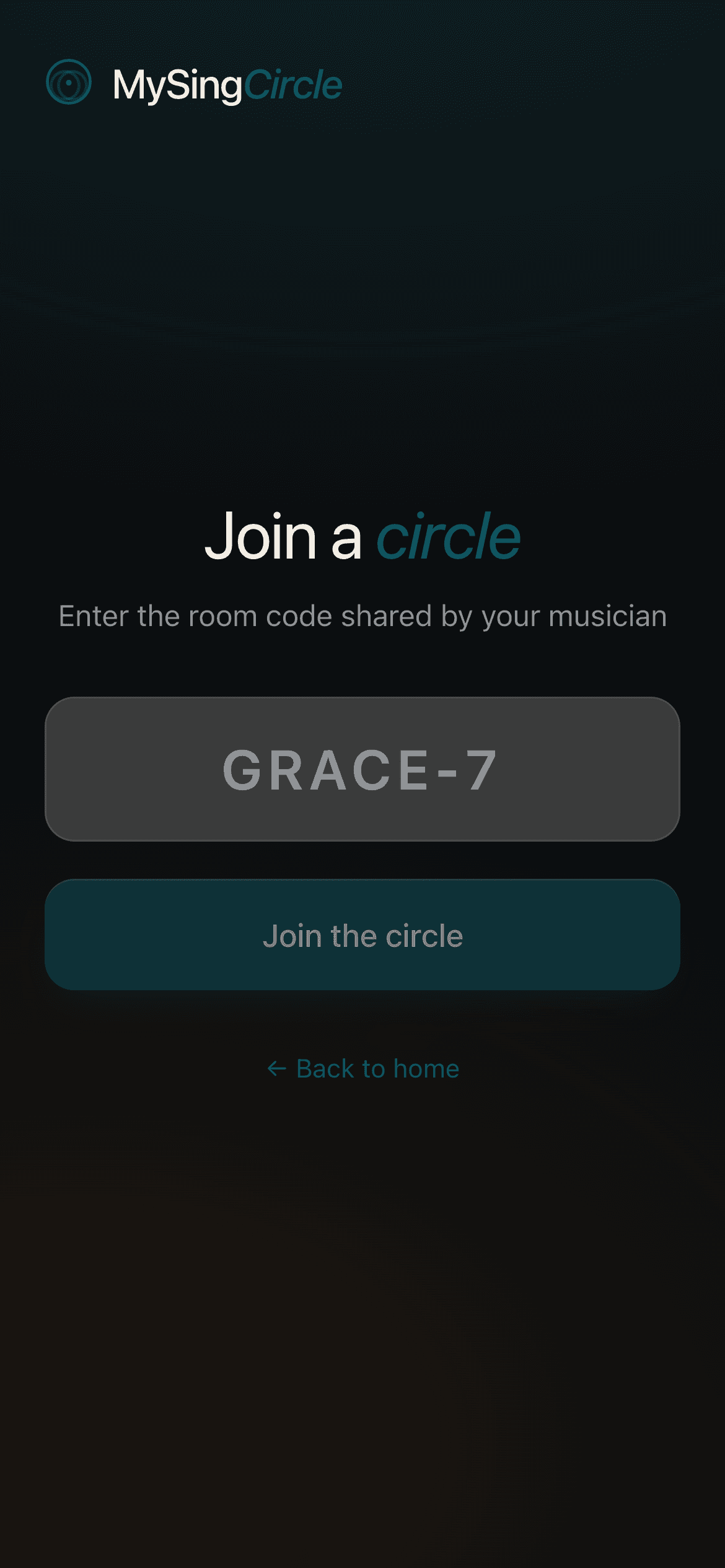
Scan the QR your musician shows you, or type the six letters at the join page. No account, no install, no app store roundabout — your phone becomes the lyric sheet.
- 02
Sing along
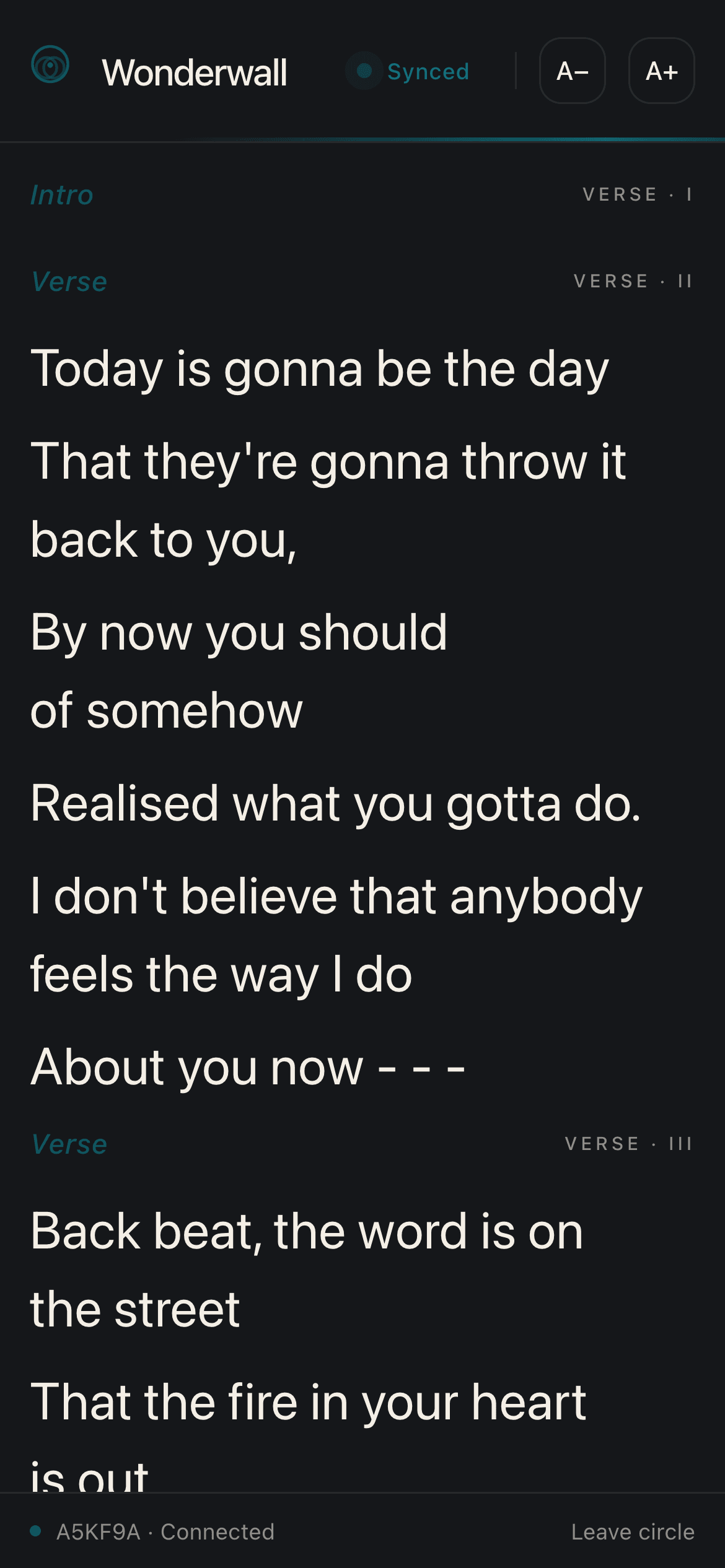
Lyrics appear, sized for a glance. The line you are on glows. When the musician scrolls, your screen scrolls with them. Bigger or smaller text whenever you need it.
Edit a chart in place
Found a wrong chord or want to add a section? Open the song editor from the toolbar and tweak the ChordPro source. Your edits broadcast to the singers as soon as you save.
Transpose without thinking
The semitone stepper rebuilds the chart on the fly — capo info comes along for the ride. Drop two for a tired voice, lift four for the brave.
Carry your set
Playlists live in your browser, scoped to the room. Export the JSON to back them up or carry them to another device, then import them next time you open a circle.